
For patients
Book again with your saved card
Booked online before? Skip the form and pay with the card you used last time.
When you book online, Stripe keeps your card safely so you don't have to type it again. BodyMed never sees your full card number.
Choose your treatment, practitioner and time as usual: see Book and pay online, steps 1 to 4.
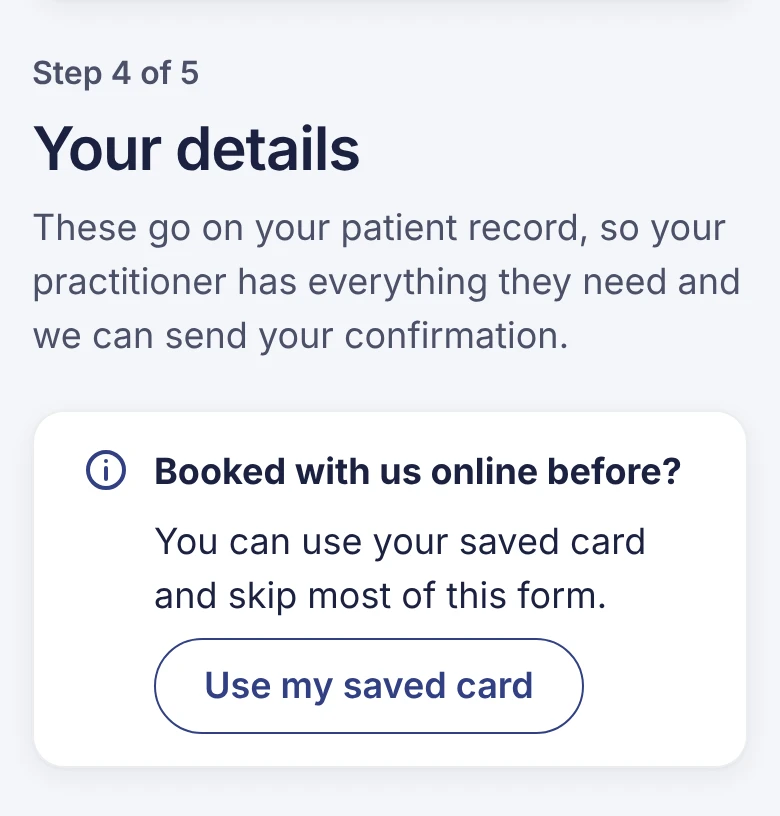
On Your details, press Use my saved card.
 (opens full size in a new tab)
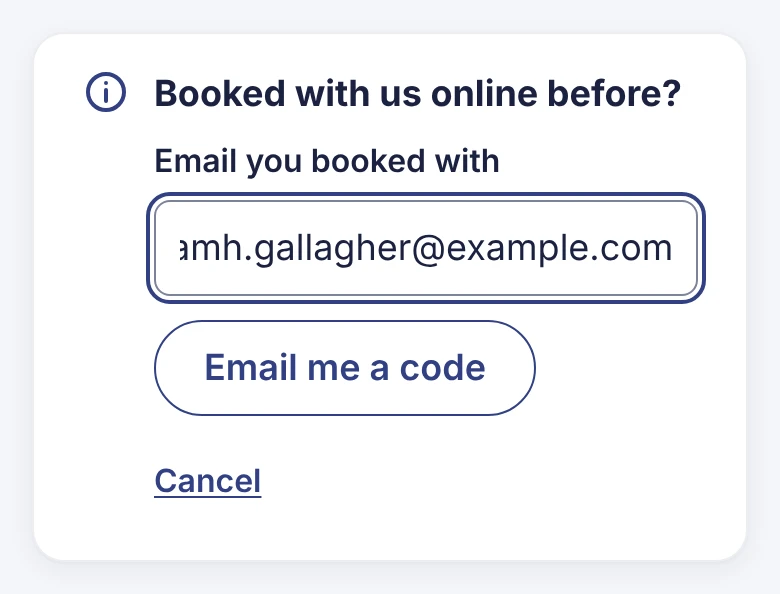
Type the email address you booked with before, and press Email me a code.
 (opens full size in a new tab)
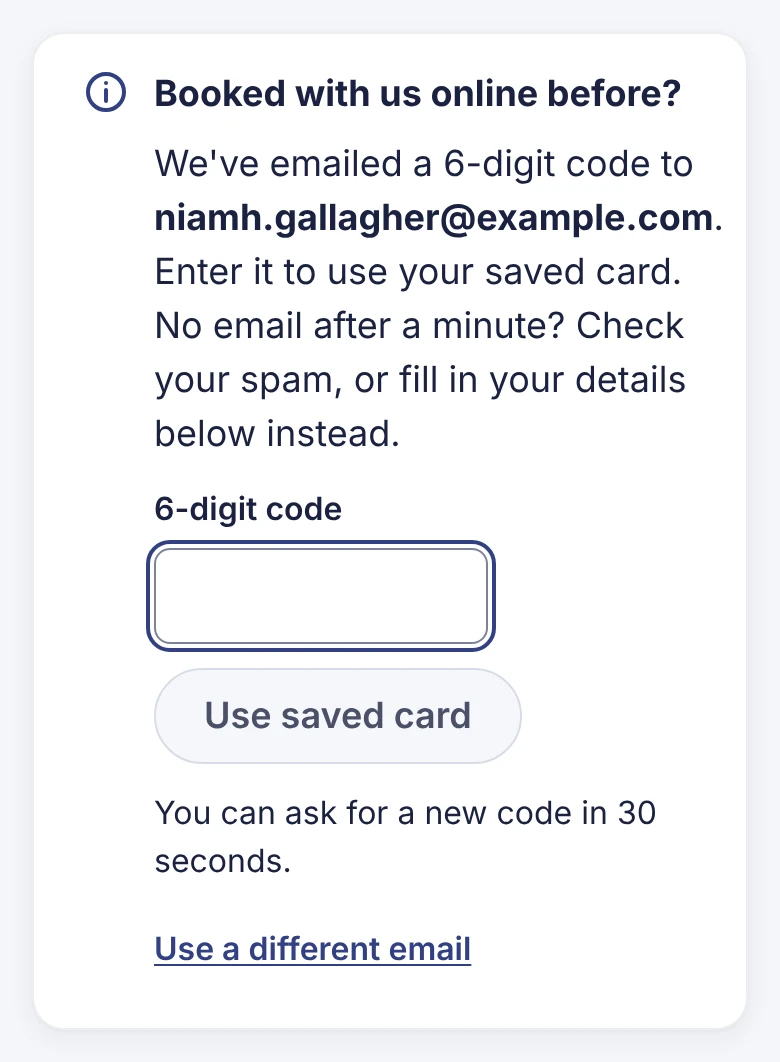
We email you a 6-digit code. Type it in, or tap it above your keyboard on a phone. It checks itself once all 6 digits are in.
No email after a minute? Check your spam folder, or fill in the form instead.
 (opens full size in a new tab)
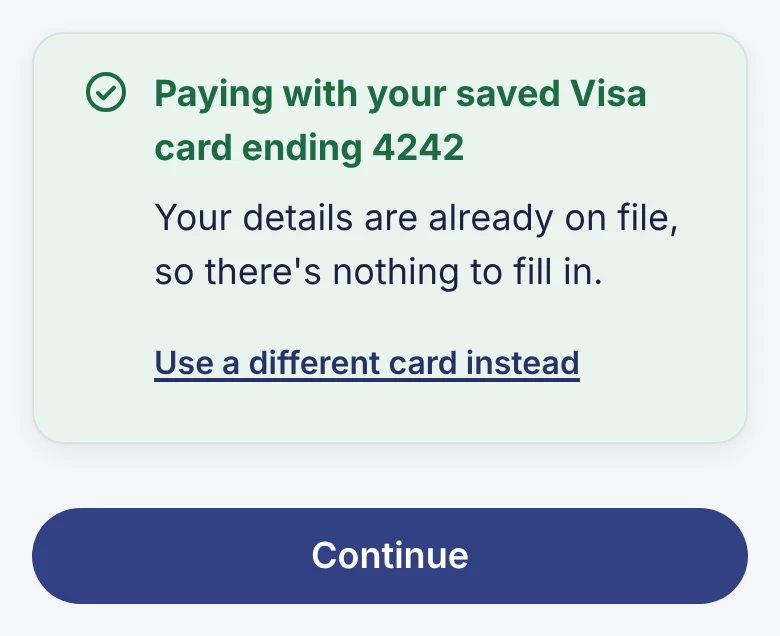
You'll see which card we'll use. If we're missing any details, we ask for just those. Press Continue.
 (opens full size in a new tab)
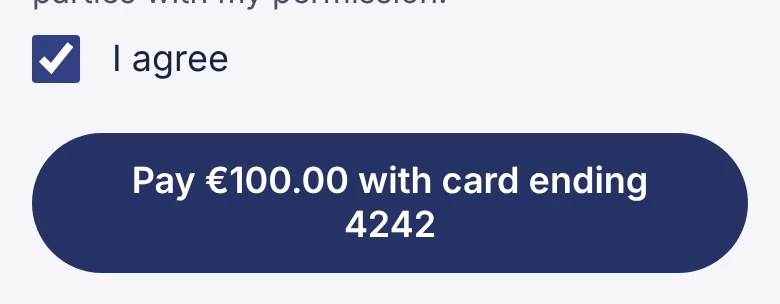
Tick both boxes on Review and pay, then press Pay €… with card ending …. It's charged straight away; you don't go to Stripe's page.
 (opens full size in a new tab)
Want to use a different card?
Press Use a different card instead, fill in the form, and pay on Stripe's page as normal.